How does a flip cover sensor work
Flip covers feel "smart" because they don't just protect your screen-they can tell your phone when the lid opens or closes, triggering the flip case wake sleep feature (automatic screen on/off). If you've ever wondered, How does a flip cover sensor work?, the answer is usually magnetism plus a tiny sensor inside the phone.
The core idea: magnetic detection inside the phone
Most modern phones that support a smart flip cover rely on a flip cover sensor that can detect a magnet embedded in a magnetic flip cover. This is called magnetic flip cover detection (or magnetic flip cover detection logic in firmware).
H3: Hall effect sensor phone cover systems
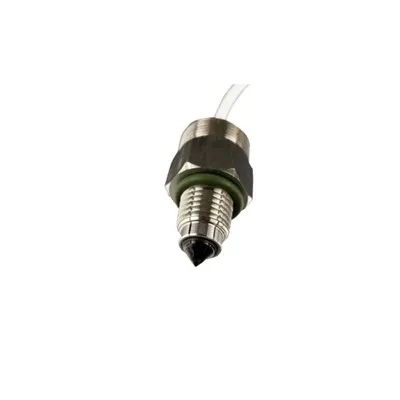
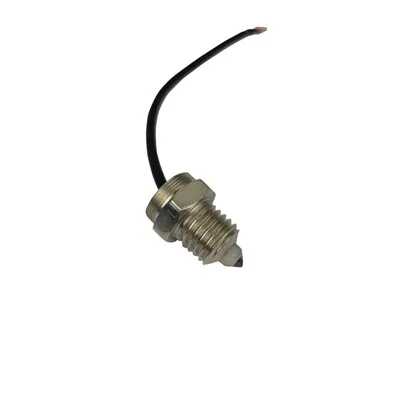
A common setup is a hall effect sensor phone cover arrangement:
The case contains a small magnet (often near the front flap edge).
The phone has a Hall sensor near the frame.
When the flap closes, the magnet's field changes at the sensor.
The OS interprets that as "cover closed," turning the display off; opening it wakes the display.
This is the flip cover sensor function in plain terms: magnetic field in = state change out.
Smart flip cover vs basic flip cover
A basic cover is just a flap. A smart flip cover is designed so the magnet aligns precisely with the phone's sensor locati0n. That alignment is critical for reliable smartphone flip case sensor performance-and it's why some third‑party covers fail even if they look similar.
If you're shopping for the best flip cover for automatic screen on off, choose one made for your exact model (magnet placement varies).
Proximity sensor vs Hall sensor (and why it matters)
People often mix these up. Here's the practical difference-proximity sensor vs hall sensor:
Hall (magnetic sensor): detects the cover magnet; works even in the dark; very consistent.
Proximity (optical/IR): detects near objects (like your face during calls), not magnets.
So in the magnetic sensor vs proximity sensor comparison, flip covers typically depend on the magnetic approach.
Settings: how to enable the smart cover feature
On many phones, you may need to toggle it:
Look for flip cover sensor settings android under Display, Lock screen, Accessories, or Advanced features.
On some models, it appears as flip cover sensor settings samsung (often labeled "Smart cover" or "Auto screen on/off").
If you're asking how to enable smart cover feature, confirm the case is compatible first.
Troubleshooting: when the flip cover isn't detected
Use this flip cover sensor troubleshooting guide (also a quick flip cover not detected fix checklist):
Re-seat the case so the magnet aligns with the sensor zone.
Remove other magnetic accessories (wallets, mounts).
Toggle the smart cover setting off/on and reboot.
Test with a known-compatible magnetic flip cover.
Battery impact: does it drain power?
Flip cover sensor battery impact is usually minimal. The Hall sensor is low-power and only triggers changes when the magnetic field shifts.
Takeaway
Smart cover sensor explained: your smart flip cover uses a magnet and your phone's Hall sensor to deliver reliable wake/sleep behavior-simple hardware, smart software, and precise case design.