How to cool a server closet with Windows
A server closet can run hotter than you think: limited airflow, UPS heat, and "set-and-forget" monitoring often lead to outages. This server closet cooling guide focuses on two levers you control immediately-server room ventilation and Windows Server temperature monitoring-so you can prevent server overheating in closet spaces without guessing.
1) Start with targets: ideal temperature & humidity
Before buying hardware, define the ideal server room temperature humidity range for your gear (use the manufacturer specs as the final word). As a practical target, many small IT teams aim for:
Temperature: ~68–77°F (20–25°C)
Humidity: ~40–60% RH Tracking this baseline makes energy efficient cooling for small server room decisions much easier.
2) Fix airflow first (often cheaper than AC)
Most server closet cooling failures are airflow failures.
Server closet ventilation fan installation
Create a clear path: cool air in low, hot air out high. For server closet ventilation fan installation:
Add an intake grille near the bottom of the door/wall
Add an exhaust fan near the top (to a hallway/return plenum where allowed)
Seal major gaps that short-circuit airflow (cable cutouts, ceiling voids)
Rack layout: small "hot aisle / cold aisle"
Even in a tiny rack, a hot aisle cold aisle setup small closet helps:
Fronts of servers face the coolest air source
Backs exhaust toward the hottest exit path
Use blanking panels to reduce recirculation These are strong network rack cooling alternatives when you can't add real HVAC.
3) Add cooling capacity: mini split vs portable AC
If ventilation isn't enough, compare mini split vs portable AC server closet:
Mini split: quiet, efficient, best long-term; higher install cost.
Portable air conditioner for server closet: faster deployment; ensure it's dual-hose if possible and plan condensate removal.
Pair cooling with soundproofing and cooling server closet tactics (acoustic-lined ducting, vibration isolation mounts), but don't restrict airflow to "quiet it down."
4) Monitor and alert in Windows (so you're not surprised)
"How to cool a server closet with Windows" really means: use Windows to see heat early and act fast.
Sensors: rack + room
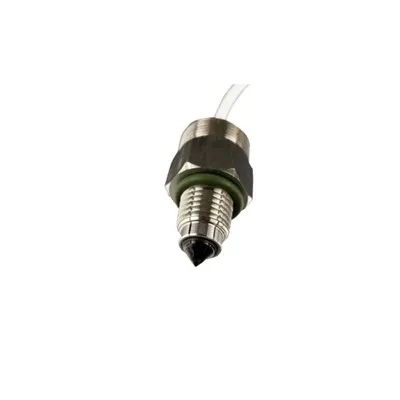
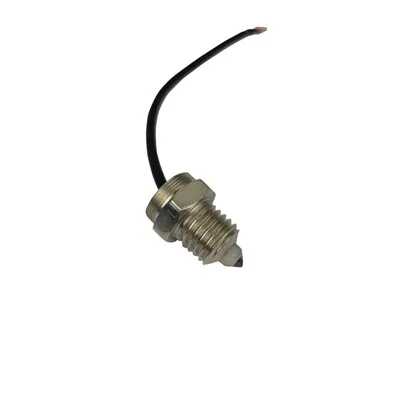
Deploy a rack temperature sensor Windows setup via IP/USB sensors or SNMP-capable PDUs. Place a probe at server intakes and one at exhaust. Choose a best thermostat for server room style controller that supports remote readings/alarms.
Windows Server temperature monitoring & alerts
Pull readings into your monitoring stack (or scripts) and log them.
Create Windows event log thermal alerts (scheduled task triggers on thresholds) to email/text on rising temps, fan failures, or AC loss.
5) Don't ignore the UPS
UPS heat management in rack matters: keep the UPS in the rack's hot zone only if exhaust is well-managed. Otherwise, relocate it or add directed exhaust to avoid baking the servers.
Takeaway
Cooling server closet with windows succeeds when you combine airflow design, right-sized cooling, and Windows Server temperature monitoring with actionable alerts. Start with ventilation, validate with sensors, then add AC only where measurements prove it's needed.
(Estimated word count: ~490)